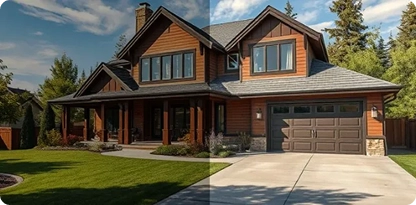
Trusted By Leading Brands



Real estate media and virtual-tour production teams managing large property portfolios often face rework when multi-source captures, complex interiors, exposure variations, and moving elements create seams, ghosting, alignment errors, or inconsistent panorama output. At higher volumes, these exceptions can slow post-production throughput and increase manual correction effort.
Backoffice Pro combines AI-assisted image processing with specialist panorama editors to handle source preparation, stitching correction, exposure and color balancing, HDR enhancement, and complex exceptions that require visual judgment. Batch-level quality checks validate geometry, tonal consistency, and output specifications before delivery, helping production teams reduce rework, maintain throughput, and achieve more consistent panorama assets across high-volume workflows.

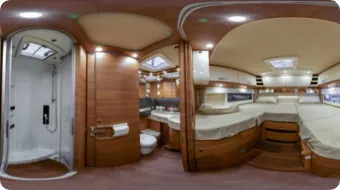
Multi-source, architecturally detailed panoramas are processed using AI-assisted frame alignment and exposure matching, then specialist-corrected where automated tools leave visible seams or mismatches, resolving parallax, ghosting, and exposure variation for consistent 360° output.

AI-assisted exposure matching and specialist HDR blending balance highlights, shadows, and tonal variation across bracketed frames, producing cleaner panoramas with more consistent visual detail.

Specialist editors remove tripods, shadows, temporary objects, and stitching artifacts, with nadir and zenith corrections applied where source coverage supports clean reconstruction.

AI-assisted frame alignment, horizon leveling, and exposure matching combine drone captures into consistent aerial panoramas while reducing manual correction across high-volume property workflows.

Panoramas are prepared to approved projection, resolution, color profile, and file specifications, reducing downstream reformatting before virtual-tour or property-media publishing.
As a leading business process outsourcing services provider, we always deliver results. Here's a testament to our commitment and competence, straight from the voices that matter the most - our valued clients.
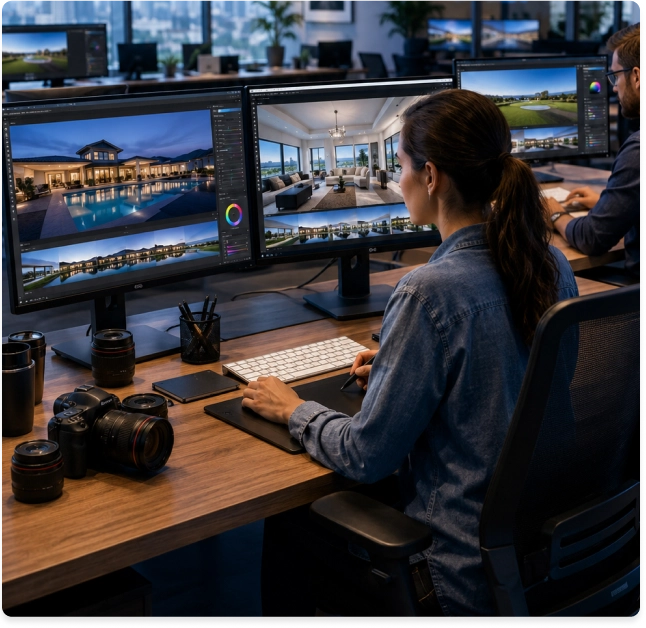

AI supports repeatable alignment, exposure matching, and image preparation within defined workflow boundaries, while specialist review controls complex exceptions and final output quality.
Source quality, panorama complexity, batch volume, output specifications, and turnaround requirements are reviewed upfront to establish a defined production scope before work begins.
For larger portfolios, an approved output benchmark can guide editing consistency across subsequent batches, reducing interpretation differences as production volume increases.
Batch status, delivery milestones, exceptions, and required corrections are tracked through defined project oversight, giving production teams clearer visibility across large-volume engagements.
Revision requirements are established during project scoping, helping separate in-scope corrections from new editing requirements and keeping delivery expectations clear.
Secure transfer, access, retention, and deletion requirements can be aligned with agreed project protocols to reduce handling risk for client-owned source imagery.
 How is automation used in panorama editing?
Can you fix stitching errors from images we've already shot?
Do you handle high-volume batch stitching?
What file formats and specs can you work with?
How is a project scoped before work begins?
How do you protect our source images and data?
What visibility do we get into project progress on large batches?
What happens if we need corrections after delivery?
Can this scale if our property portfolio grows?
What happens to our images and access after the project ends?
How is automation used in panorama editing?
Can you fix stitching errors from images we've already shot?
Do you handle high-volume batch stitching?
What file formats and specs can you work with?
How is a project scoped before work begins?
How do you protect our source images and data?
What visibility do we get into project progress on large batches?
What happens if we need corrections after delivery?
Can this scale if our property portfolio grows?
What happens to our images and access after the project ends?
Would you like help choosing the right plan for your business? Contact our agent, who will guide you through our customized plan, especially for you.